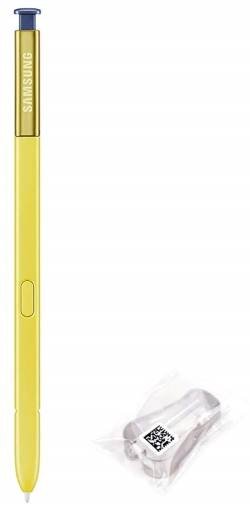
 Many users are not aware they can try different Galaxy Note 9 S Pen nibs to get different experiences from the S Pen.
The spare S Pen nibs and the tool are often neglected by Galaxy Note device owners. It is a waste for many users who feel the S Pen is too sticky or too slippery.
This S Pen guide explains the different usages of the spare Galaxy Note 9 S Pen nibs and how to change the nib for Galaxy Note 9 S Pen.
Items related to Galaxy Note 9 S Pen nib in the Galaxy Note 9 box
Galaxy Note 9 introduced many new features and updated S Pen with Bluetooth support.
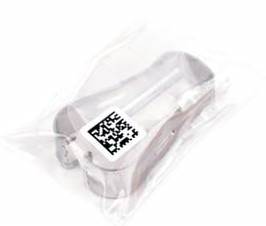
In your Galaxy Note 9 box, you may notice the following small plastic bag. Some users may think it is a weird connector for some ancient devices and throw it away.
Do NOT throw it away.
You will need the items inside it when you want to change the Galaxy Note 9 S Pen nib.
In the plastic bag, you can find:
- Tweezers. This is provided as a tool for S Pen nib removal.
- Another tiny plastic bag with two (2) pieces of spare Galaxy Note 9 S Pen nib (tip).
Prior to Galaxy Note 9, there are 5 pieces of spare S Pen nib. It seems Samsung is less generous on accessories for the more expensive Galaxy Note 9.
When and why you need to change Galaxy Note 9 S Pen nib?
When you use the S Pen on Galaxy Note 9 screen, some users may feel it is too sticky. Some may feel it is too slippery.
Even for the same phone, after you apply a screen protector, you may find it is a bit harder to use the S Pen.
In these cases, you may change the S Pen nib to see whether the performance of the S Pen is better.
Besides, if you are a heavy user of S Pen (e.g., frequently using the S Pen for design or note-taking), the S Pen nib may experience severe … Read the full post

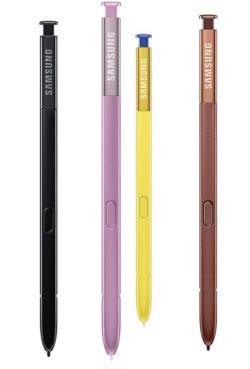
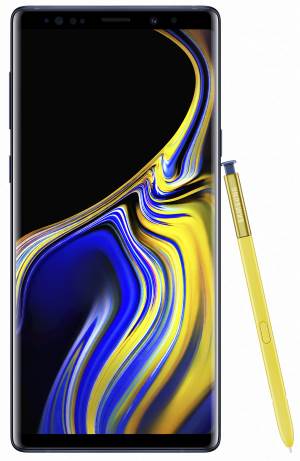
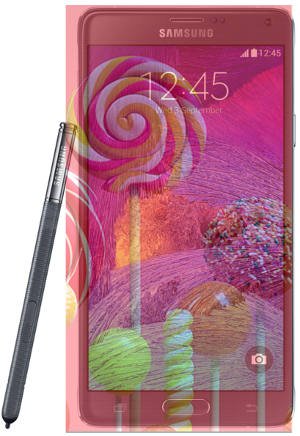
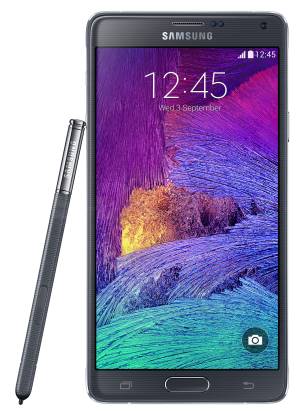
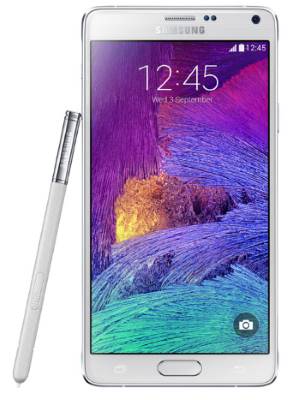 Galaxy Note 4
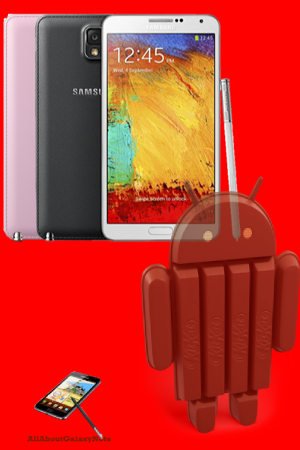 Samsung released the Galaxy Note 3 KitKat update (
 Galaxy Note 3 User Guide details the major features and their usage for your new Galaxy Note 3! You should first check the User Manual whenever you encounter any issues with your Note 3.