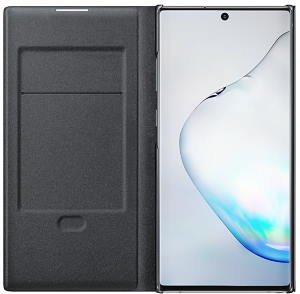
 Galaxy Note 10 LED View Cover is one of the unique accessories for Galaxy Note 10 and Galaxy Note 10+.
This Galaxy Note 10 accessories guide explains the unique features of the Galaxy Note 10 LED Wallet (View) cover, shows you how to use the LED case and customize the LED icons on the cover, answers the questions you may have on the LED View Cover. A quick review of the Galaxy Note 10 LED View case explains the pros and cons of the cover.
Although the dimensions of the LED Wallet Case for Samsung Galaxy Note 10 and for Galaxy Note 10+ are different, all features are identical on all Galaxy Note 10 devices. This guide applies to both Galaxy Note 10 and Note 10+.
Unique features of Galaxy Note 10 LED View cover?
Galaxy Note 10 LED View Cover (aka LED wallet cover in some regions) is one of the “official” accessories of Galaxy Note 1o and Note 10+. It is a typical two-piece flip cover.
The series of the LED case was first released with Galaxy S7. Samsung refined the features in the last few years.
The unique features of the Galaxy Note 10 LED Wallet cover include:
LED notification icons
Showing LED notification icons on an external case is one of the most significant selling points of the Galaxy Note 10 LED Wallet cover among the over-crowded flip covers.
When someone calls you or some apps get notifications, you will see the corresponding LED icons on the front part of the LED cover.
Samsung allows you to customize the icons for any individual contact (or contact group) and different apps so that you can immediately know whether the call/message/notification is important or not by looking at the icon without opening the cover.
Interact with the phone without opening the cover
Another unique feature of the LED wallet cover is that you can interact with the phone from the cover (without opening it).
For phone calls, you can accept or reject a call by swiping to the left or right on the LED cover.
You can … Read the full post
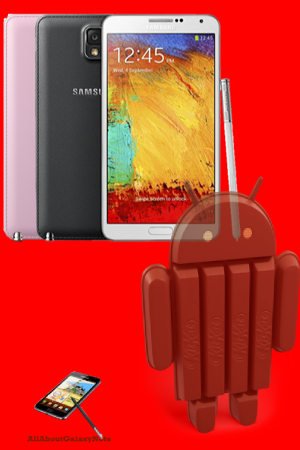 Samsung released the Galaxy Note 3 KitKat update (
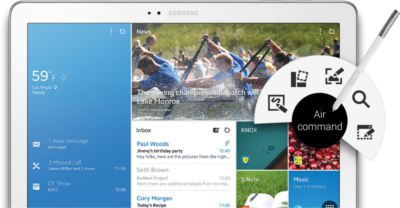 For Galaxy Note family, Galaxy Note Pro is a new member, of course, a super-sized member. Although Galaxy Note series always are proud of their sizes (5.3″, 5.5″, 5.7″, 8″ and 10.1″), some may wonder whether the 12.2″ screen in Galaxy Note Pro is too big.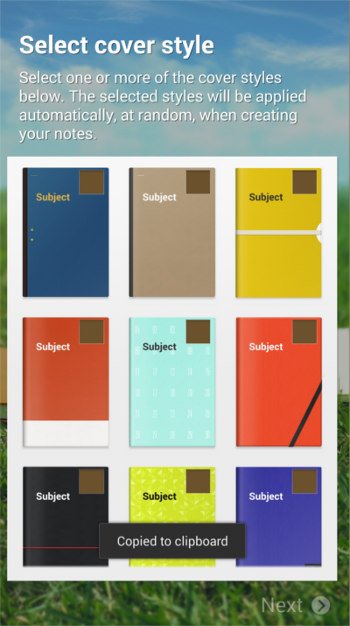
 Almost certainly, Samsung will announce the Galaxy Note 3 during (before)
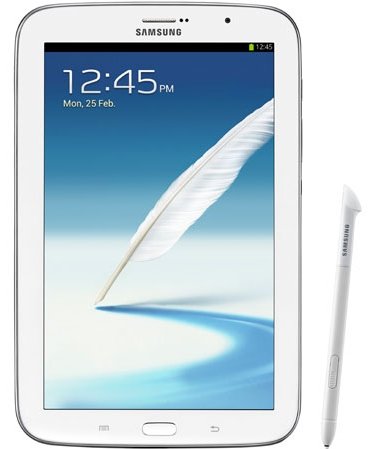
 This is our second S Note video tutorial. In this tutorial,we will learn how to change the appearance or typesetting of your text in S Note. This includes font type, text size, text decoration, paragraph spacing, paragraph alignment, paragraph indent, pre-defined styles, and list styles.
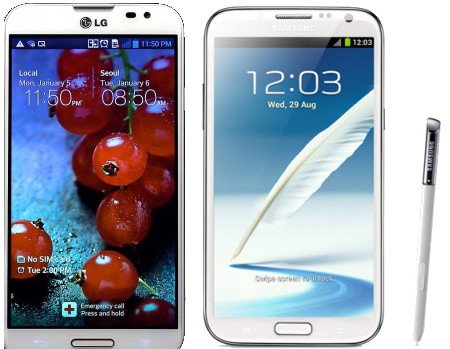
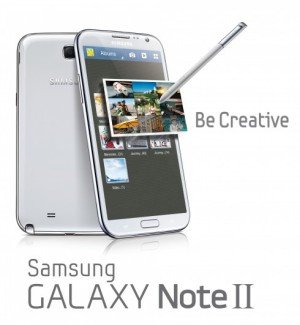 As rumored (or expected), Samsung announced the second generation of Galaxy Note, Galaxy Note 2, at IFA 2012 yesterday. Now, the first Jenny Bean(out of box, not through update) phone.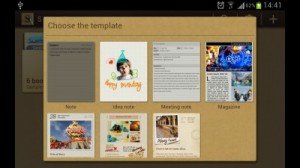
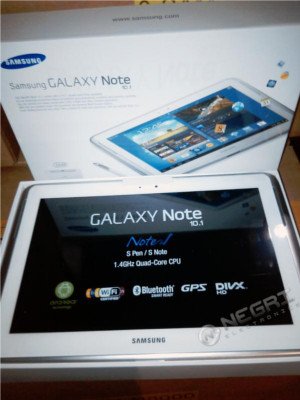 So, Samsung decided to re-work it. Now after more than 5 months, pre-order of this tablet was announced by
  Pop up play was debuted on Galaxy S3 last May. In the Googl Play store, there are a few paid apps (e.g., Stick it! (Pop-up Player)) doing the similar job. What it does is quite simple, you can watch your video and use other apps at the same time. The video will be re-sized as thumbnail and you can move it to any locations on your screen. Pretty cool, right?
 Update: although the post was initially written for Galaxy Note with ICS, the method actually works for Galaxy Note 2, Galaxy Note 3 and many other Android devices with different versions of Android.