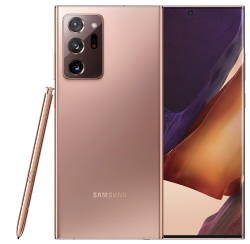
 Like Galaxy Note 10, Samsung released two models Galaxy Note 20: Note 20 and Note 20 Ultra. Many existing Galaxy Note owners were very disappointed with this year’s Galaxy Note models. This post summarizes the top 11 disappointments of Galaxy Note 20 and Galaxy Note 20 Ultra.
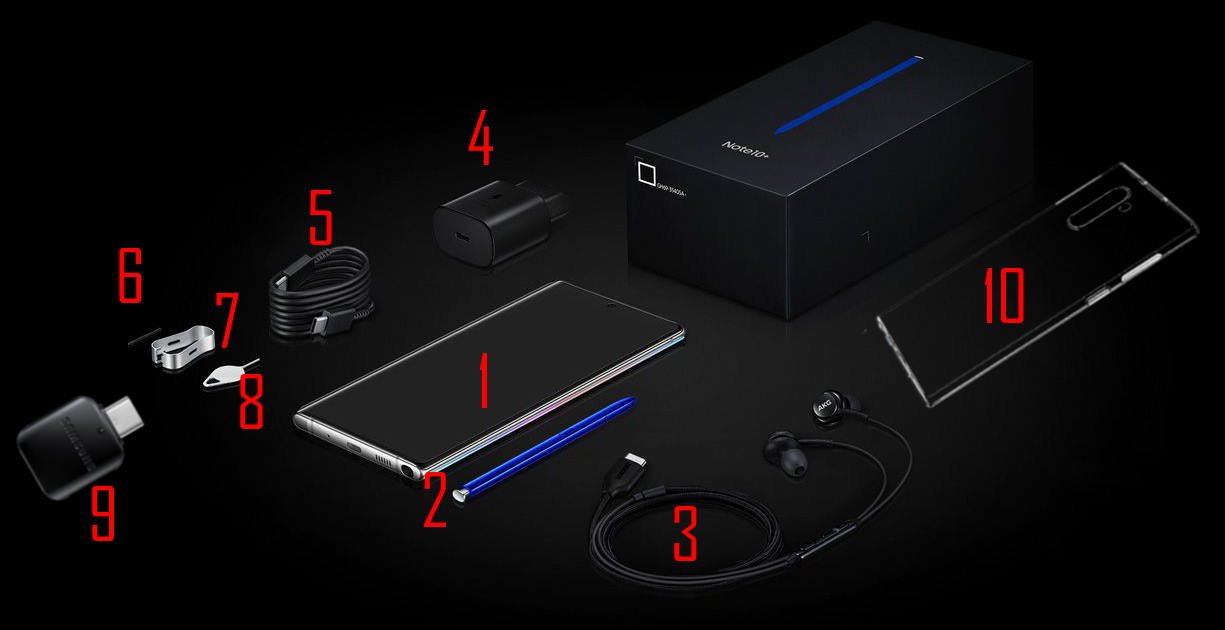
These disappointments include inconvenient S Pen Slot location, lacking apps for S Pen, no S Note app, disturbing curved screen on Galaxy Note 20 Ultra, an inferior in-display fingerprint reader, mediocre Exynos CPU/chipset in most regions, missing micro SD card support on Galaxy Note 20, plastic back on Galaxy Note 20, overpriced, no spare S Pen nibs and removing tool, no USB connector and no clear cover.
With the release of Galaxy Note 20 and Galaxy Note 20 Ultra, Samsung also released the updated Galaxy Buds Live, which adds active noise cancelling (ANC) and a totally new design to Galaxy Buds +.
Inconvenient S Pen slot location
Galaxy Note 20 and Note 20 Ultra relocated the S Pen slot to the left side of the charging port. In all previous generations of Galaxy Note phones, the S Pen slot is always on the right side so that it is very convenient for right-handed users to access it.
The relocation is apparently to create space for the bumped camera modules on Galaxy Note 20 Ultra. It seems the engineer just duplicated the design of S20 Ultra, which does not need a slot for S Pen.
It is one of the most inconvenient “new” features of Galaxy Note 20 and Galaxy Note 20 Ultra. For right-handed owners, it is very awkward to access the S Pen on Galaxy Note 20 and Galaxy Note 20 Ultra.
This relocation reflects the arrogance of Samsung engineers. And it proves very likely Galaxy Note designers never or seldom use S Pen. Maybe, they use iPhones.
Without the S Pen, Galaxy Note is just a bigger (now identical) Galaxy S phones. Designers should always put S Pen in the spotlight.
The inconvenient S … Read the full post
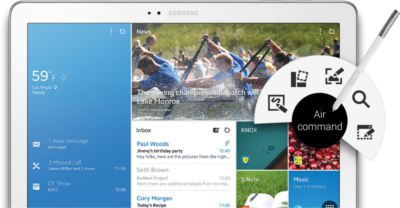 For Galaxy Note family, Galaxy Note Pro is a new member, of course, a super-sized member. Although Galaxy Note series always are proud of their sizes (5.3″, 5.5″, 5.7″, 8″ and 10.1″), some may wonder whether the 12.2″ screen in Galaxy Note Pro is too big.
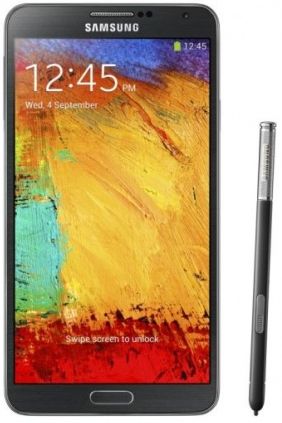 Among the new features in Galaxy Note 3, Air Command probably is the most impressive one. Our beloved S Pen gets a new life in the Note 3.
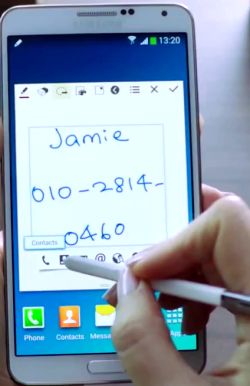 Action Memo allows you to write a note in your Note 3. Yes, this is not new. We got this feature since Note 1. What makes Action Memo differ from our old memos is that it can automatically execute a function or convert the handwritten documents or drawings into formatted content.
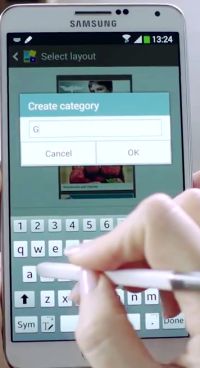 Scrapbook allows users to collect, organize, and track content and information from all sources in one place (Scrapbook).
 Almost certainly, Samsung will announce the Galaxy Note 3 during (before)