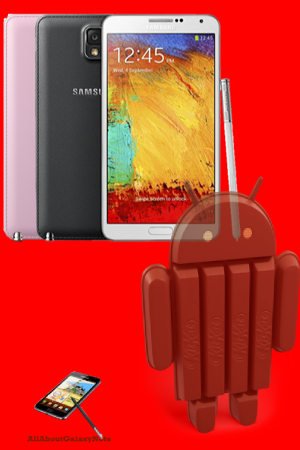
 Samsung released the Galaxy Note 3 KitKat update (Android 4.4.2) to more and more regions. You may check the update through your Galaxy Note 3 or through Kies. Some users may have to wait for the KitKat update a bit longer
The Galaxy Note 3 KitKat update equips Galaxy Note 3 with the latest version of Android, following Nexus (Nexus 4, Nexus 5, Nexus 7 and Nexus 10), Moto X, Moto G, and some Google Play edition handsets (e.g., Google Play edition Galaxy S4 ).
However, just like other Samsung’s Android updates, this Galaxy Note 3 KitKat update brings mixed experience: some disappointments and some consolations. If you are a Galaxy Note user, you probably still remember the battery drain issues in ICS update and slowness issue in Jelly Bean update.
In this post, I will share with you the top 5 disappointments, and 5 cool features (consolations) in this Galaxy Note 3 KitKat update.
Disappointment #1: No ART options
One of the most important new features in KitKat (Android 4.4) for advanced users is the new runtime option: ART ( Android runtime). Although Google baked this new runtime as a beta feature in KitKat, most tests already reported significant speed improvement for almost all apps. In Moto X, we saw extremely good results when this runtime is enabled.
Unfortunately, Samsung totally disable this option in Galaxy Note 3 KitKat update. There is no way to try it in Galaxy Note 3 (with the official ROM).
Samsung may use the “beta” feature as an excuse of disabling ART in the Galaxy Note 3 KitKat update. It does not make sense because Samsung always bundles many alpha-level features or apps in the handset. As one of the flagship handsets, Samsung should give customers the option.
We have to wait for next update if you want to try ART in Galaxy Note 3.
Disappointment #2: SD card support is limited
Update 1: the SD card issue in Galaxy Note 3 after KitKat update is apparently now solved. In some regions, there is another small update after … Read the full post
 Pop up play was debuted on Galaxy S3 last May. In the Googl Play store, there are a few paid apps (e.g., Stick it! (Pop-up Player)) doing the similar job. What it does is quite simple, you can watch your video and use other apps at the same time. The video will be re-sized as thumbnail and you can move it to any locations on your screen. Pretty cool, right?
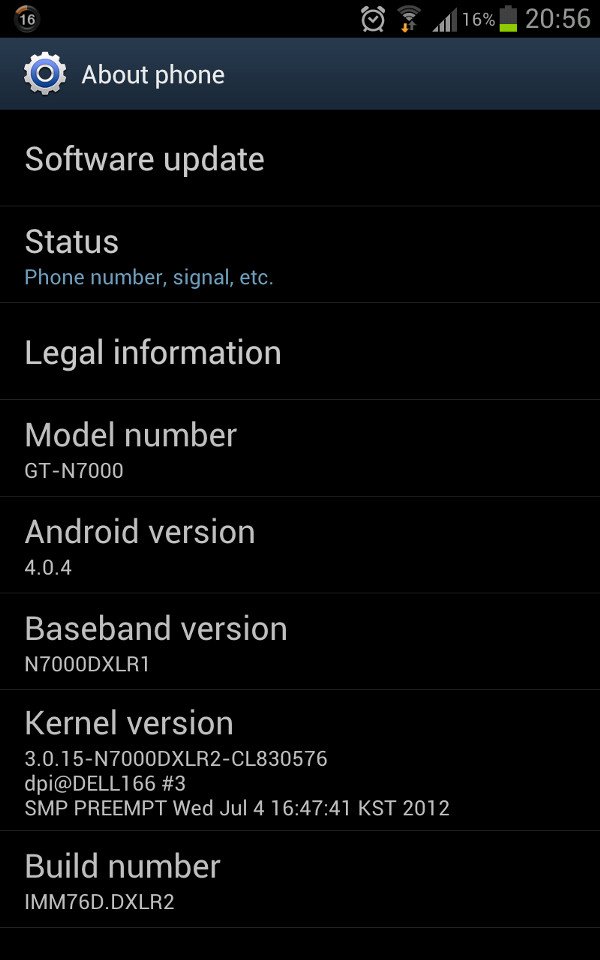
 Update: although the post was initially written for Galaxy Note with ICS, the method actually works for Galaxy Note 2, Galaxy Note 3 and many other Android devices with different versions of Android.
 Yes,
Yes, Why does Samsung (and all other licensed Android hardware manufactures) have to release the source code to the public? This is simply the obligation of using Android, because Android is using
  CyanogenMod
 Yes, about
  Samsung just