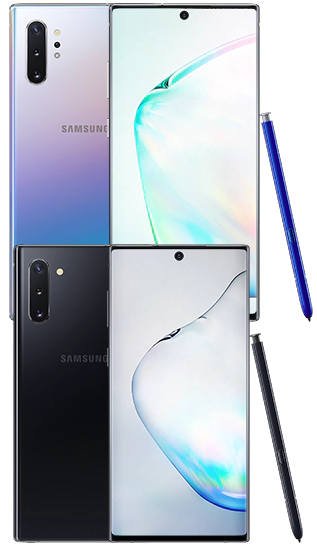
 When you decide to buy a Galaxy Note 10 phone, you need to know there are two models of Galaxy Note 10. So, what are the major differences between Galaxy Note 10 vs Galaxy Note 10+?
This post details the major differences between Galaxy Note 10 and Galaxy Note 10+ to help you make the correct decision when purchasing a Galaxy Note 10.
The top 10 new features of Galaxy Note 10 are summarized in this post. The top 10 missing features of Galaxy Note 10 can be found in this post.
Galaxy Note 10 vs Galaxy Note 10+: they are for a different audience
If you are an owner of a Galaxy Note phone, you need to know that the Galaxy Note 10+ is the successor to Galaxy Note 9. If you want to upgrade, you should choose Galaxy Note 10+, not Galaxy Note 10. You may check the missing features of Galaxy Note 10 (and Note 10+) before upgrading.
Galaxy Note 1o is a “lite” version of Galaxy Note 10+. It is not designed for existing Galaxy Note device owners. Instead, Samsung probably intended to use Galaxy Note 10 to attract new “S Pen” users who are currently using other middle-range Android phones.
Please note that Galaxy Note 10+ is NOT exceptionally large compared to many other mainstream phones. The curved screen, thin bezel, and 19:9 aspect ratio make its physical dimensions similar to other flagship phones.
Anyway, do not assume Galaxy Note 10 is large. Samsung actually reduced the width of the phone over the years. Both Galaxy Note 10 and Note 10+ are NOT very large.
Please note in the Galaxy Note 10 box, there are no differences except the phone.
Galaxy Note 10 vs Galaxy Note 10+: Screen size and resolution
Both Galaxy Note 10 and 10+ use the top-tier OLED screen, which no other Android manufacturers can match.
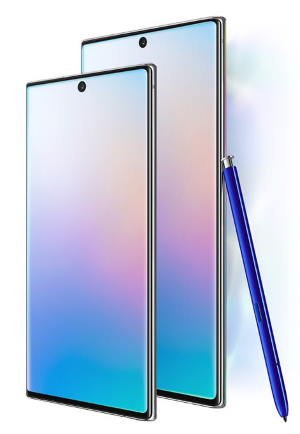
Galaxy Note 10 has a 6.3″ screen with a resolution of 1080 x 2280 (1080p).
Meanwhile, Galaxy Note 10+ has a larger screen of 6.8″ with a resolution of 1440 x 3040 … Read the full post

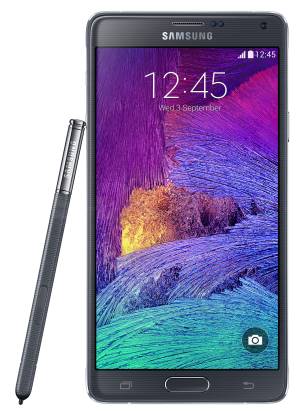
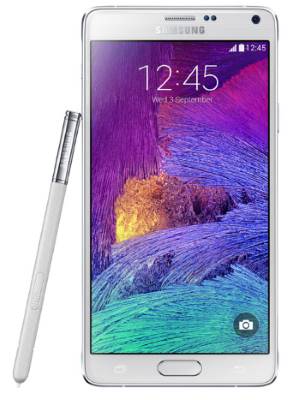 Galaxy Note 4
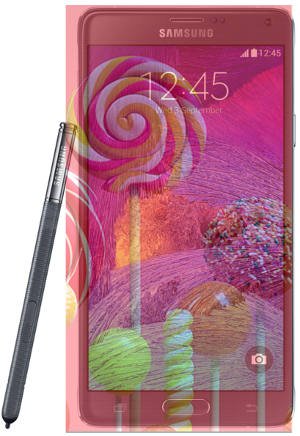
 There is no doubt Samsung will announce the Galaxy Note 4 on September 3, 2 days before
 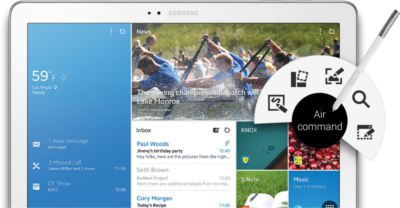 For Galaxy Note family, Galaxy Note Pro is a new member, of course, a super-sized member. Although Galaxy Note series always are proud of their sizes (5.3″, 5.5″, 5.7″, 8″ and 10.1″), some may wonder whether the 12.2″ screen in Galaxy Note Pro is too big.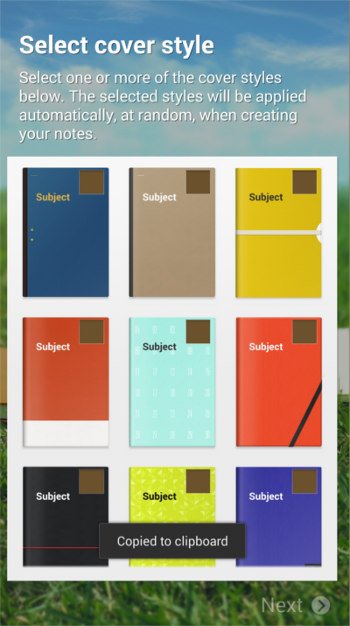
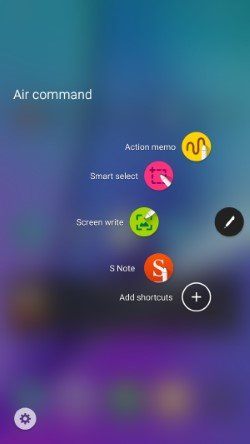
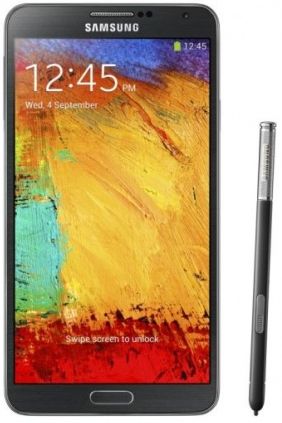 Among the new features in Galaxy Note 3, Air Command probably is the most impressive one. Our beloved S Pen gets a new life in the Note 3.
 Action Memo allows you to write a note in your Note 3. Yes, this is not new. We got this feature since Note 1. What makes Action Memo differ from our old memos is that it can automatically execute a function or convert the handwritten documents or drawings into formatted content.
 Scrapbook allows users to collect, organize, and track content and information from all sources in one place (Scrapbook).
 Almost certainly, Samsung will announce the Galaxy Note 3 during (before)